 email
The email59 app · Android
Email like you chat.
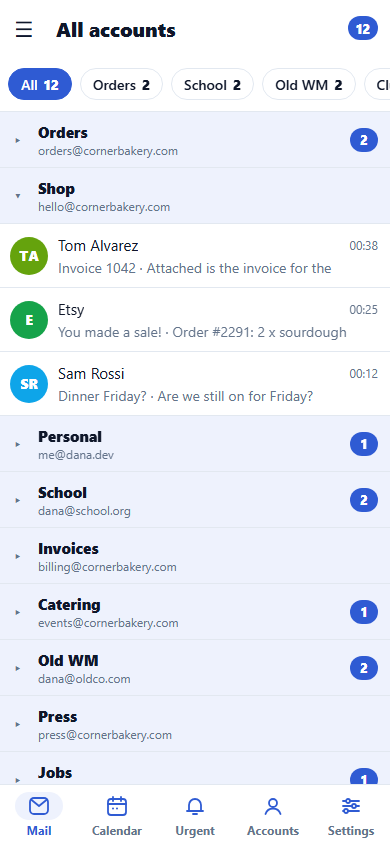
All your inboxes in one place on your phone. Work mail on Zoho, a team inbox on Amazon WorkMail, an old Outlook address and your email59 mailbox: the email59 app reads them all and shows them as one list, like your chats. Tap a mail to open it and answer in the box underneath. Swipe it away when you're done.
Version 1.0.0 · 24.8 MB · Android 7.0 or later. Installs straight from this site, no Play Store needed.
On an iPhone? The iPhone app comes next. Join the waitlist and we'll tell you once it's ready.
Email like you chat
Mail that feels like a conversation.
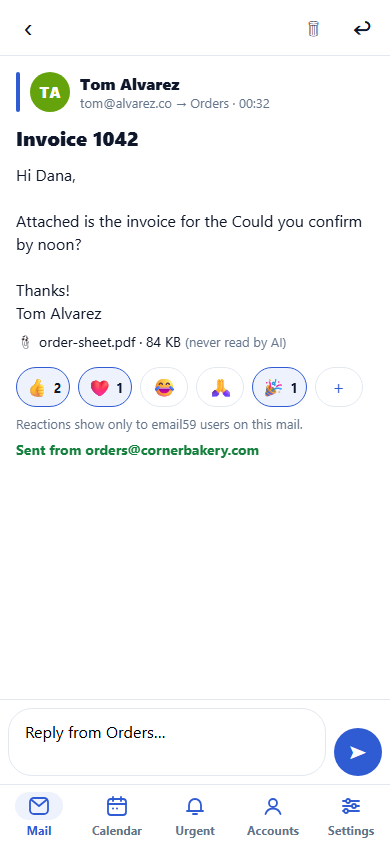
Real screens from the app. Every mail opens with a reply box underneath, like a chat: type, tap send, and it goes out from the address it came to. React with an emoji instead of writing "thanks", and see when another email59 user is typing back to you.
What it does
A fast mail app for the accounts you already have.
No new address needed. Add the mailboxes you use today with their normal settings, or pick your provider from the list and type your password.
- Zoho Mail
- Amazon WorkMail
- Outlook and Microsoft 365
- email59 mailboxes
- Any IMAP or POP mailbox
One list
Every inbox in one list of short tiles: who wrote, the subject and the first lines. The unread count sits on top.
Urgent first
Add the app's AI assistant, an optional subscription you can cancel any time, and it looks at who wrote, the subject and the first lines of new mail, marks what can't wait and lets you know. Attachments are never read. Without it, nothing is read.
Open, reply, swipe
Tap a tile to read the whole email and answer from the same address. Swipe a tile to delete it.
Reactions
Send a quick 👍 on an email instead of a "thanks" reply. Other email59 app users see it on their copy.
See who's writing back
When someone using the email59 app is writing to you, you see "typing…", like in a chat.
Your mail stays yours
The app reads from your provider and sends through it. Remove an account and its mail is gone from the app.
Android
Install it without the Play Store.
The app comes straight from email59.com as one file. Android asks once whether your browser may install apps; you allow it, install, and switch it off again.
- On your phone, tap Download for Android.
- Open email59-1.0.0.apk from the download notification or Files > Downloads.
- Android asks about apps from your browser: tap Settings, switch on Allow from this source, go back.
- Tap Install. If Play Protect doesn't know the app: More details > Install anyway.
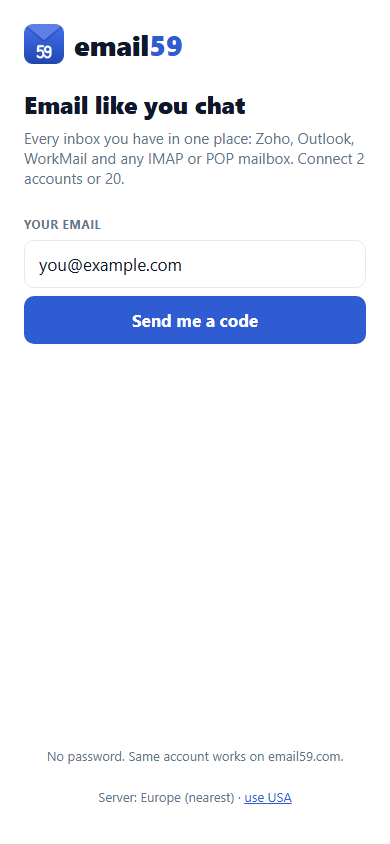
- Open email59 and sign in with the code we email you.
- Switch Install unknown apps off again for your browser.
Download it only from email59.com. For an update, download the newer file here and install it over the old one. If you have email59 from the Play Store, uninstall that copy first.